

Internet TV subscription · Fire TV · Smart TV · Mobile
CatchON TV: live TV and on-demand on every screen
CatchON TV (often searched as catchontv) brings live channels, movies and series to the devices you already own. Choose a plan, sign in to a player app and start watching. No dish, cable box or contract required.
- Same channels on every plan
- Program guide included
- Setup help by chat or email
- Works on Fire TV & Smart TVs
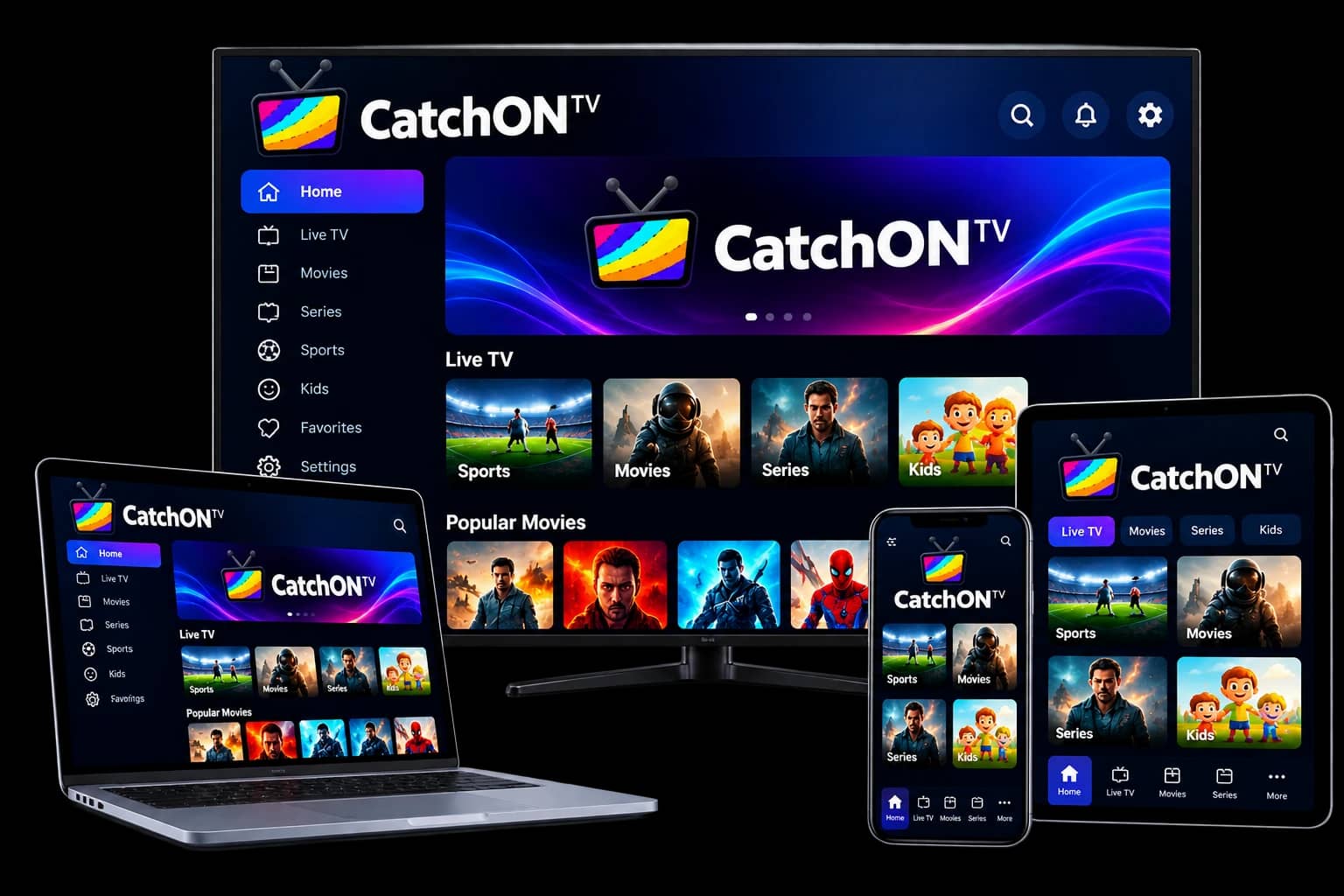
What is CatchON TV?
CatchON TV is a subscription IPTV service: it delivers live TV channels and an on-demand library of movies and series over your internet connection instead of a cable or satellite line. You watch it through a player app on a Fire TV Stick, Smart TV, Android or Apple device, or a computer.
The technology behind it is IPTV (Internet Protocol television), which Wikipedia defines as the delivery of television over IP networks. In practice that means CatchON TV behaves like a cable package that lives in an app: channels are listed by category, a program guide shows what is on, and the on-demand section works like a streaming library.
CatchON TV does not make its own player app. You choose a compatible IPTV player for your device and sign in with the details you receive. The CatchON TV setup guide explains which apps fit which devices. New to the technology? Read what IPTV is and how it works, or browse the CatchON TV blog for setup help and fixes.
| Service type | IPTV subscription (live TV + video on demand) |
|---|---|
| Delivery | Streams over your broadband or mobile data connection |
| Login formats | Xtream Codes, M3U playlist, MAC portal (MAG boxes) |
| Devices | Fire TV, Smart TVs, Android, iOS, Windows, macOS, MAG |
| Plan lengths | 1, 3, 6 and 12 months |
| Website | catchontv8k.com |
Facts reviewed . Plans and devices are described on their own pages.
Why choose it
Why people switch to CatchON TV
It replaces a cable or satellite box with an app, without changing the TV you watch on.
Live TV and on demand in one app
Live channels sit next to a library of movies and series, so you browse one interface instead of switching between services.
Uses the screens you already own
No set-top box or dish to install. A Firestick, Smart TV, phone or laptop with a player app is enough.
A TV guide that fills itself
The electronic program guide (EPG) shows what is on now and next for channels whose broadcaster provides schedule data.
Setup help when you need it
Support answers by email or chat and walks you through the player app on your specific device.
How does CatchON TV work?
After you choose a plan, CatchON TV sends you login details: an Xtream Codes username, password and server URL, or an M3U playlist link. You enter them in an IPTV player app, which loads the channel list, the program guide and the on-demand library. Everything then streams over your home internet connection.
- 1
Pick a plan
Choose how long and how many screens. The content is the same on every plan.
- 2
Get your login
Your login details arrive by email or chat once payment clears.
- 3
Add a player
Install a free or low-cost IPTV player on your TV, stick or phone.
- 4
Start watching
Sign in, and live TV, the guide and on-demand titles appear.
Included in every plan
What you get with a CatchON TV subscription
Live channels
News, sport, entertainment, kids and international channels, grouped by country and category.
Movies & series
An on-demand library you can start, pause and resume whenever you like.
Program guide
Now-and-next listings inside your player for supported channels.
SD to 4K streams
Quality depends on the source channel and your connection speed.
Pricing
CatchON TV plans
Every plan has the same content and features. Longer plans lower the monthly cost. Full details, including the free trial, are on the CatchON TV plans page.
Showing prices for 1 device: one screen at a time.
1 Month – 1 device
1 device
$20
Shortest commitment
- Live TV channels and on-demand movies & series
- Electronic Program Guide (EPG) where the channel provides one
- SD, HD, Full HD and 4K streams where the source offers them
- Works on Fire TV, Smart TVs, Android, iOS and computers
3 Months – 1 device
1 device
$35
Works out at $11.67 per month
- Live TV channels and on-demand movies & series
- Electronic Program Guide (EPG) where the channel provides one
- SD, HD, Full HD and 4K streams where the source offers them
- Works on Fire TV, Smart TVs, Android, iOS and computers
6 Months – 1 device
1 device
$55
Works out at $9.17 per month
- Live TV channels and on-demand movies & series
- Electronic Program Guide (EPG) where the channel provides one
- SD, HD, Full HD and 4K streams where the source offers them
- Works on Fire TV, Smart TVs, Android, iOS and computers
12 Months – 1 device
1 device
$75
Works out at $6.25 per month
- Live TV channels and on-demand movies & series
- Electronic Program Guide (EPG) where the channel provides one
- SD, HD, Full HD and 4K streams where the source offers them
- Works on Fire TV, Smart TVs, Android, iOS and computers
Showing prices for 2 devices: watch on 2 screens at the same time.
1 Month – 2 devices
2 devices
$30
Shortest commitment
- Live TV channels and on-demand movies & series
- Electronic Program Guide (EPG) where the channel provides one
- SD, HD, Full HD and 4K streams where the source offers them
- Works on Fire TV, Smart TVs, Android, iOS and computers
3 Months – 2 devices
2 devices
$50
Works out at $16.67 per month
- Live TV channels and on-demand movies & series
- Electronic Program Guide (EPG) where the channel provides one
- SD, HD, Full HD and 4K streams where the source offers them
- Works on Fire TV, Smart TVs, Android, iOS and computers
6 Months – 2 devices
2 devices
$80
Works out at $13.33 per month
- Live TV channels and on-demand movies & series
- Electronic Program Guide (EPG) where the channel provides one
- SD, HD, Full HD and 4K streams where the source offers them
- Works on Fire TV, Smart TVs, Android, iOS and computers
12 Months – 2 devices
2 devices
$110
Works out at $9.17 per month
- Live TV channels and on-demand movies & series
- Electronic Program Guide (EPG) where the channel provides one
- SD, HD, Full HD and 4K streams where the source offers them
- Works on Fire TV, Smart TVs, Android, iOS and computers
Showing prices for 3 devices: watch on 3 screens at the same time.
1 Month – 3 devices
3 devices
$40
Shortest commitment
- Live TV channels and on-demand movies & series
- Electronic Program Guide (EPG) where the channel provides one
- SD, HD, Full HD and 4K streams where the source offers them
- Works on Fire TV, Smart TVs, Android, iOS and computers
3 Months – 3 devices
3 devices
$65
Works out at $21.67 per month
- Live TV channels and on-demand movies & series
- Electronic Program Guide (EPG) where the channel provides one
- SD, HD, Full HD and 4K streams where the source offers them
- Works on Fire TV, Smart TVs, Android, iOS and computers
6 Months – 3 devices
3 devices
$105
Works out at $17.50 per month
- Live TV channels and on-demand movies & series
- Electronic Program Guide (EPG) where the channel provides one
- SD, HD, Full HD and 4K streams where the source offers them
- Works on Fire TV, Smart TVs, Android, iOS and computers
12 Months – 3 devices
3 devices
$140
Works out at $11.67 per month
- Live TV channels and on-demand movies & series
- Electronic Program Guide (EPG) where the channel provides one
- SD, HD, Full HD and 4K streams where the source offers them
- Works on Fire TV, Smart TVs, Android, iOS and computers
Showing prices for 4 devices: watch on 4 screens at the same time.
1 Month – 4 devices
4 devices
$55
Shortest commitment
- Live TV channels and on-demand movies & series
- Electronic Program Guide (EPG) where the channel provides one
- SD, HD, Full HD and 4K streams where the source offers them
- Works on Fire TV, Smart TVs, Android, iOS and computers
3 Months – 4 devices
4 devices
$90
Works out at $30 per month
- Live TV channels and on-demand movies & series
- Electronic Program Guide (EPG) where the channel provides one
- SD, HD, Full HD and 4K streams where the source offers them
- Works on Fire TV, Smart TVs, Android, iOS and computers
6 Months – 4 devices
4 devices
$140
Works out at $23.33 per month
- Live TV channels and on-demand movies & series
- Electronic Program Guide (EPG) where the channel provides one
- SD, HD, Full HD and 4K streams where the source offers them
- Works on Fire TV, Smart TVs, Android, iOS and computers
12 Months – 4 devices
4 devices
$190
Works out at $15.83 per month
- Live TV channels and on-demand movies & series
- Electronic Program Guide (EPG) where the channel provides one
- SD, HD, Full HD and 4K streams where the source offers them
- Works on Fire TV, Smart TVs, Android, iOS and computers
What devices support CatchON TV?
CatchON TV works on any device that can run an IPTV player app. That includes Amazon Fire TV and Firestick, Samsung and LG Smart TVs, Android TV and Google TV, Android phones and boxes, iPhone, iPad and Apple TV, Windows and Mac computers, and MAG set-top boxes.
For HD and 4K you also need a steady connection. See the full list of supported devices and recommended internet speeds before you buy.
- Amazon Fire TV & FirestickFire OS, via a player app
- Samsung & LG Smart TVsTizen and webOS player apps
- Android TV & Google TVSony, TCL, Philips, Chromecast
- Android phones & boxesAndroid 7 or newer recommended
- iPhone, iPad & Apple TVIPTV players from the App Store
- Windows, Mac & LinuxDesktop players such as VLC
- MAG & Formuler boxesPortal URL + MAC address
- Phones & tabletsWatch anywhere on Wi-Fi or 4G/5G
How do you set up CatchON TV?
To set up CatchON TV, install an IPTV player app on your device, open it and choose the Xtream Codes (or M3U playlist) login option. Then enter the username, password and server URL from your activation message. The app loads your channels, TV guide and on-demand library, and you can start watching.
Device-specific walkthroughs: Firestick and Samsung, LG and Android TV. Start with the CatchON TV setup guide if you are not sure which app to use.
Support
Setup help for your exact device
Tell support which device you have and they will tell you which player to install and where to type each detail. Support is available every day, 9:00–23:00 (utc).
Email
support@catchontv8k.com
Hours
Every day, 9:00–23:00 (UTC)
Activation
Login sent once payment is confirmed
Refunds
Covered by a written refund policy
Real support, real people
Our WhatsApp Support Team
Need a hand with your subscription? Get help choosing a player, setting up your device, and troubleshooting your stream. These conversations show support in action.
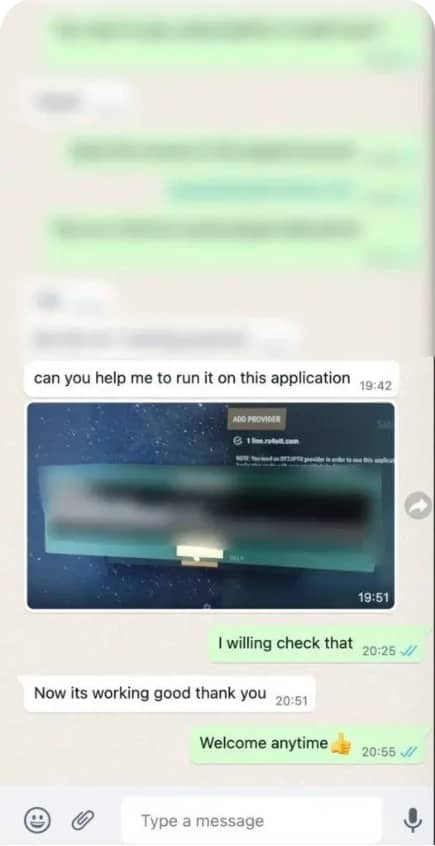
Player setup help
“Now its working good thank you”
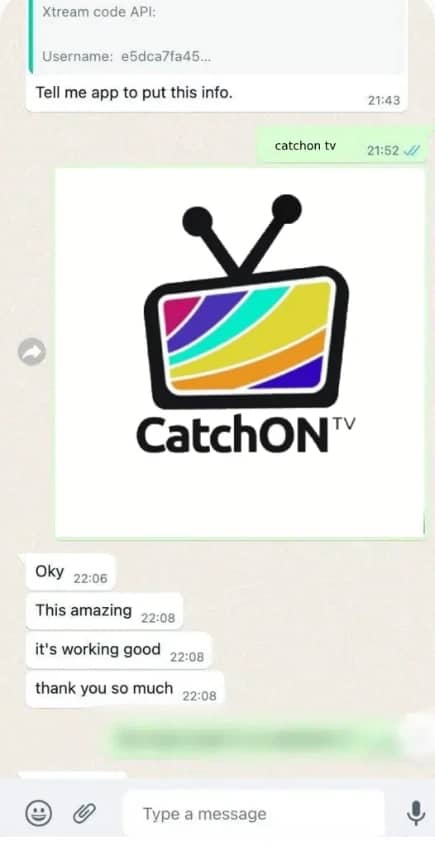
Finding the right app
“This amazing — it’s working good, thank you so much”
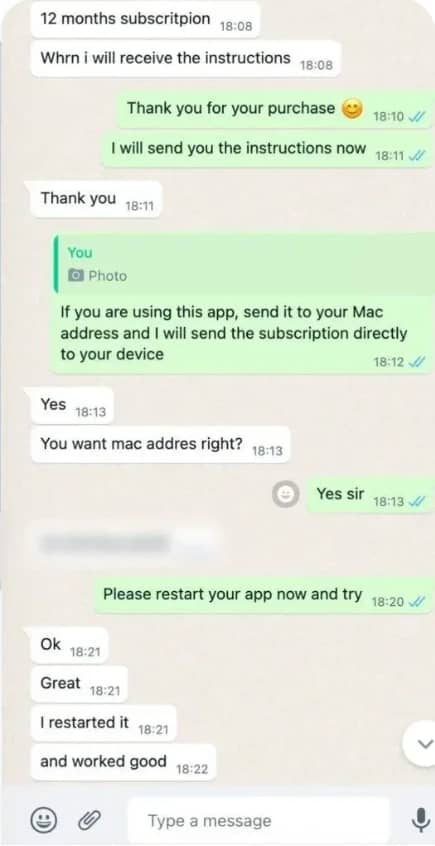
Subscription activation
“I restarted it and worked good”
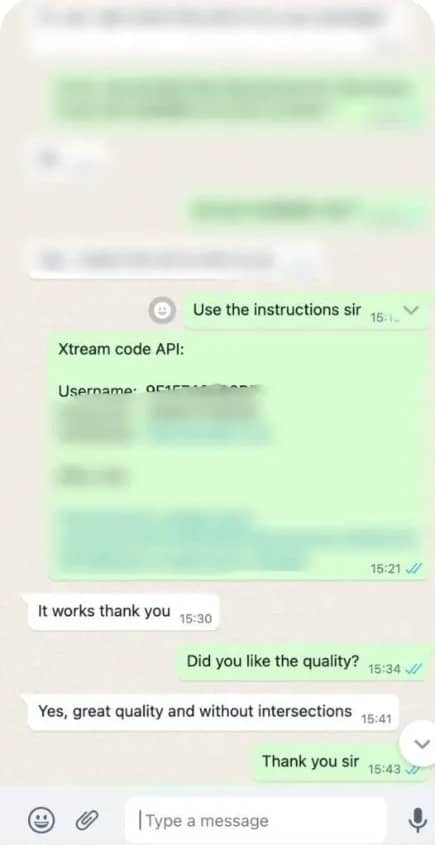
Streaming support
“It works thank you — great quality and without intersections”
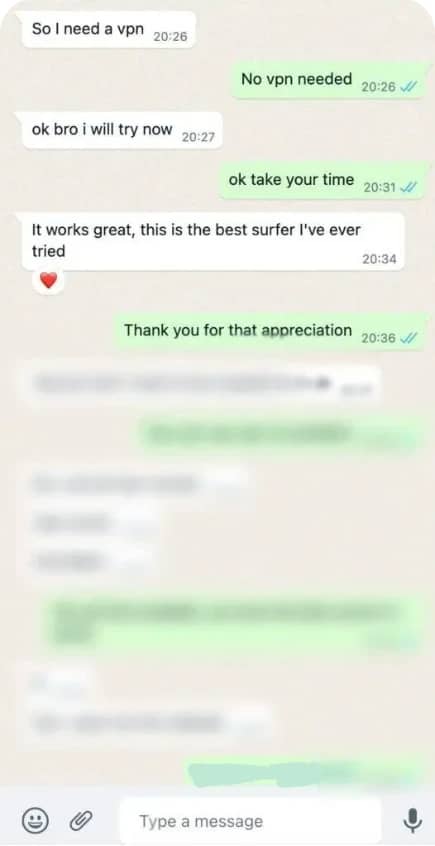
Getting started
“It works great, this is the best surfer I’ve ever tried”
FAQ
CatchON TV questions before you buy
Questions about legality, buffering, screens and renewals are answered in the CatchON TV FAQ.
Do I need a contract, dish or set-top box?
No. CatchON TV plans are prepaid for a fixed term, with no contract to sign, and nothing is installed by an engineer. You only need a supported device, an internet connection and a free or low-cost player app.
What do I receive after buying CatchON TV?
You receive an Xtream Codes login (username, password and server URL) and an M3U playlist link. MAG and Formuler box users can ask for portal activation using the box’s MAC address instead.
How is the subscription activated?
Login details are sent by email or chat once payment is confirmed. Support hours: Every day, 9:00–23:00 (UTC). If you have not received anything, check your spam folder and then contact support.
Can I move CatchON TV to a different device later?
Yes. Your login is not tied to one device, so you can sign in on a new TV or phone at any time. A one-connection plan plays on one screen at a time, so sign out of the old device or stop playback there first.
Which payment methods are accepted?
The checkout accepts: Debit/credit card, PayPal, Cryptocurrency. Every plan is paid upfront for its full term. See the refund policy for the 7-day refund window.
Ready to watch CatchON TV?
Pick a plan, get your login and start streaming on the device you already have.